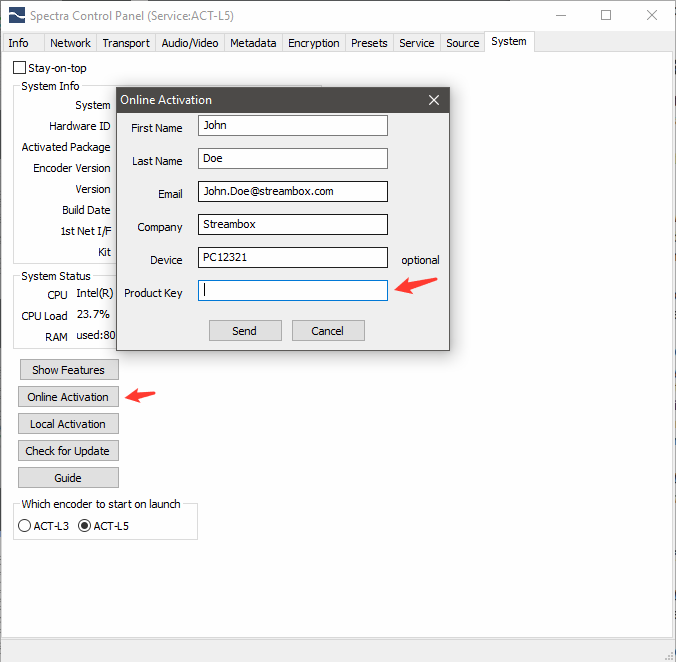
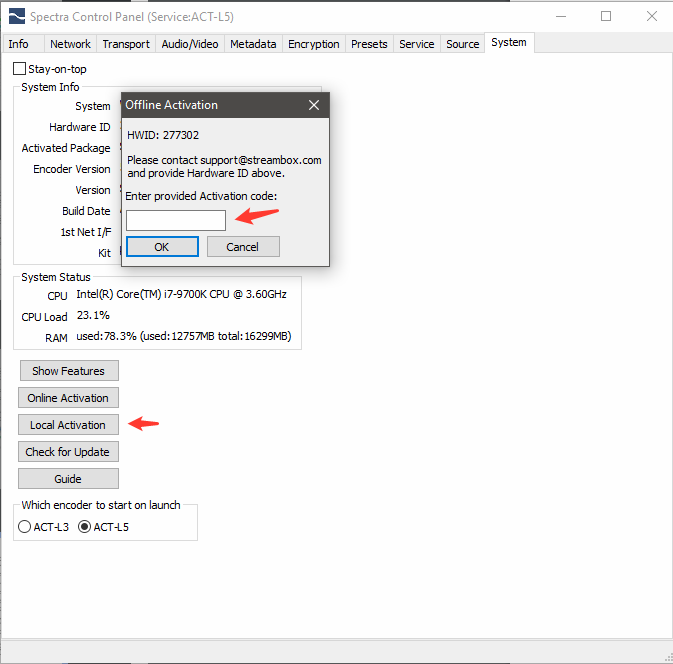
Online Activation
-requires a Volume License and the Spectra installation has internet connection.
- Obtain Activation Code/Serial Number from your
system administrator (this can be setup through
Streambox Sales or Support).
- Fill-in user information
- Enter each applicable Activation/Serial code (green
arrow), one at a time, and click ‘Apply’ for each.
Note 2: You may click the ‘Show Features’
button to see what has been activated.